The SBI Card Cheat Code
· 2 min read
My SBI credit card got blocked twice recently. The first thing I tried was the SBI Card app. Then I called customer care. The automated phone menu told me to go back to the app, which was the reason I'd called in the first place.
The app and phone menu loop
When my card got blocked, I wasn't already signed in to the SBI Card app. Trying to sign in after the block got me nowhere. The phone menu (IVR) told me to use the app to unblock the card. I had two ways to reach SBI Card, and neither could get me past the login screen.
The cheat code was X

I reached out on X and got a reply in under six hours. From there, I could arrange a callback and talk to someone about the block. SBI Card lists @SBICard_Connect as its official X account in its cardholder guide.
On the call, they asked about my last transaction, some details about my card bill, my city, and my employer's name. That was the verification I went through. The part that made a difference was being able to explain that the app login itself was what I needed help with.
If you try this, keep the public post simple: say your card is blocked, you can't sign in to the app, and you'd like a callback. Keep account details out of the post, and never share your PIN, CVV, password, or OTP with anyone. If you see a transaction you don't recognize, use SBI Card's official contact channels to report it right away.
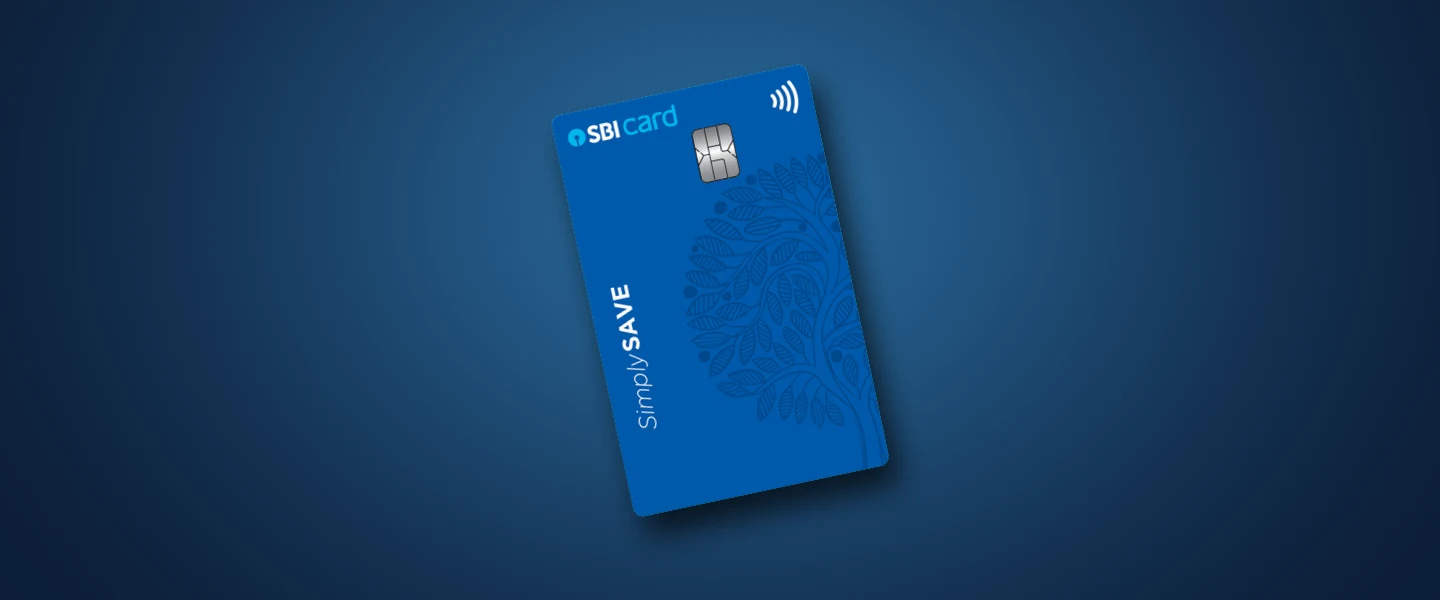
Cover image uses SimplySAVE SBI Card artwork from IndiaLends. X logo via Wikimedia Commons.